Automation & agents · Analysis
What image provenance tells an editor about AI visuals
Distinguish an editorial illustration from a screenshot or documentary photo, and know what signed content credentials can establish.
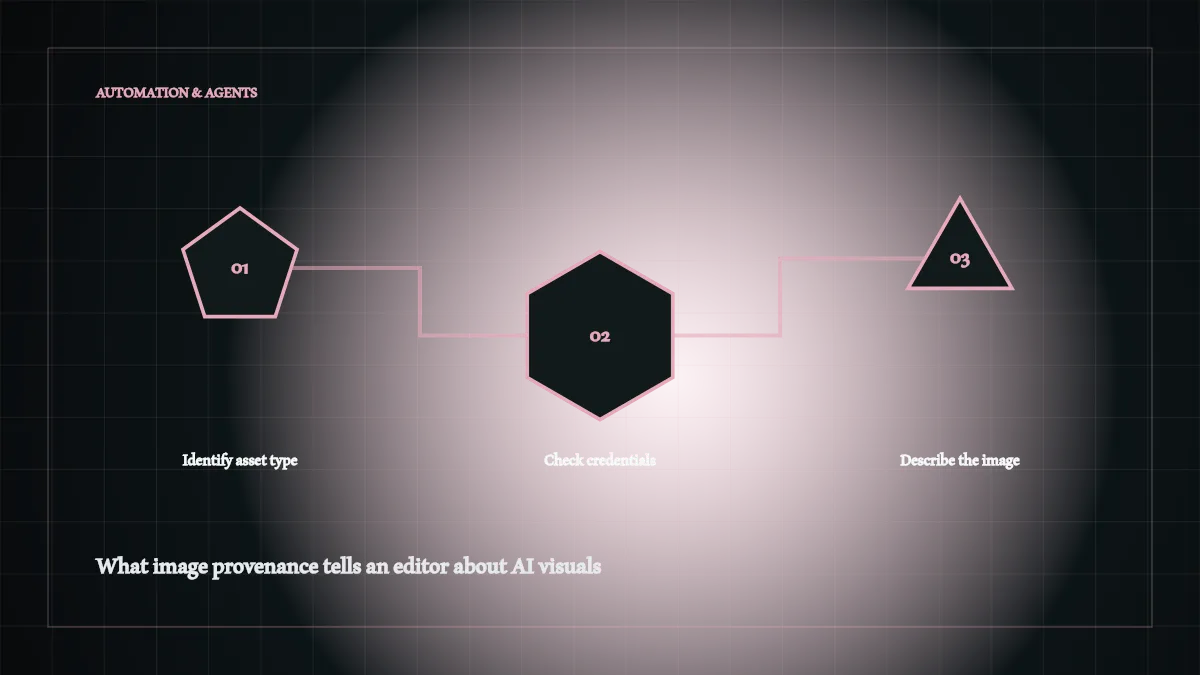
A generated picture illustrates an article on wallet onboarding. It looks like a product screenshot, so a reader might assume the buttons are actually available. Captions and provenance address different parts of that misunderstanding.
Record the asset’s role
Tag each image as a screenshot, illustration, photograph or composite. For a screenshot, identify the product version when it matters and remove personal data. For an illustration, use a caption that explains what it depicts.
Read the scope of a signed credential
C2PA specifies a way to attach signed provenance assertions. A valid signature can verify a particular signed record under the verifier’s trust policy. The visual claim still requires editorial verification. Credentials can be absent or lost as files move through platforms.
Source · C2PA · Technical specifications
Check derivatives at publish time
Open the public thumbnail and the original asset. Confirm the disclosure is still visible in the page caption if a derivative has lost metadata. Describe useful visual content in alt text, including the concept a diagram conveys.
Source · C2PA · Technical specifications · Google Search Central · Generative AI content
What to take away
Store a clear image type and editorial caption with the original file so provenance does not depend on one delivery format.