Applied AI · Analysis
Reading a Content Credentials result without overreading it
Distinguish a verified Content Credential, an invalid manifest, and a file with no readable credential, then substantiate the claim about what the image depicts.
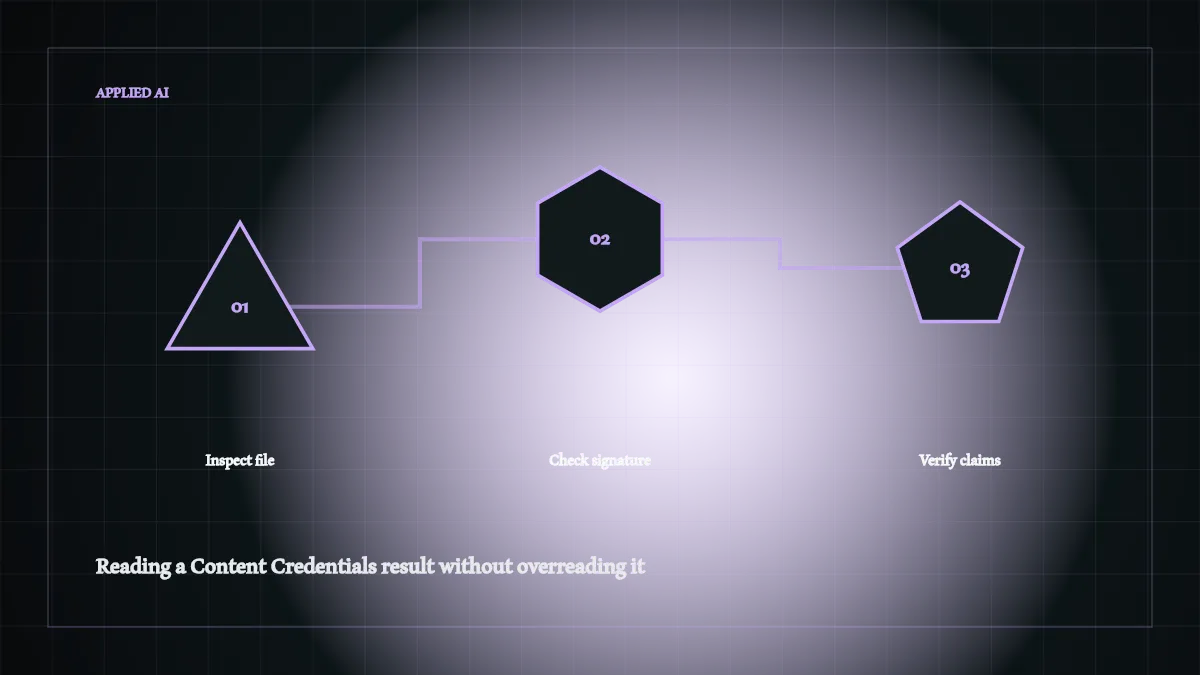
A product page receives an image said to be an original photograph. Checking Content Credentials can help reconstruct its history. The result may answer who signed an assertion or how the asset was processed, while questions about what happened in the picture still need evidence.
Open the file that was actually supplied
The C2PA explainer describes manifests that carry signed assertions about an asset and can bind those assertions to the content. Inspect the distributed file and look for the signer, relevant assertions, and validation status. When available, compare it with the originator’s copy.
Source · C2PA — Content Credentials Explainer
Record three different outcomes
A verified signature indicates that the manifest passed the applicable checks. A manifest with errors warrants investigation of the signature, binding or trust status. Files without readable credentials require a different result, since export, transfer, screenshots, or ordinary processing may drop metadata.
Source · C2PA — Content Credentials Explainer · OpenAI API — Content provenance
Independently check the editorial claim
If a caption says a person attended a particular event, look for evidence of the event and attendance. Publish what was checked about the file and which evidence supports the caption. A screenshot of a verifier is much less reusable than the original image and a saved inspection record.
What to take away
Provenance describes a file and its declared history. A publisher still needs evidence for the story the file is used to tell.