Applied AI · Update
Microsoft’s MAI Image 2.7 tests the hardest part of an edit: leaving details intact
Microsoft launched MAI Image 2.7 at Ignite. A one-change product image test reveals whether its editing workflow saves time in practice.
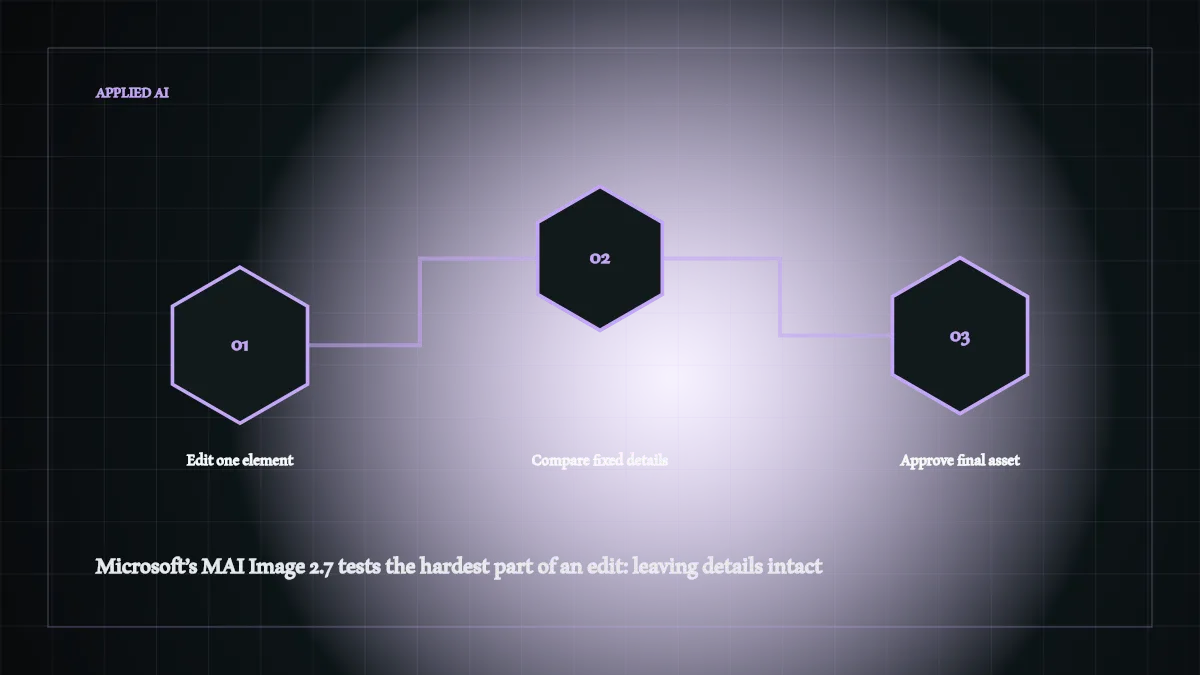
On November 17, Microsoft introduced MAI Image 2.7 as part of its Ignite model lineup. The model card describes targeted image-to-image editing. For a store owner or designer, the immediate question is what stays intact after a simple change, such as replacing the background.
Choose details that can betray the edit
Take a product image you own or are licensed to use. Specify one change and list what should remain fixed, such as the label, proportions and actual color. A faithful edit is worth more than a prettier export that quietly changes what the customer will receive.
Source · Microsoft · MAI Image 2.7 model card
Inspect the exported file at actual size
Put the original and the edited file side by side. Read the packaging text, compare edges against the reference, and check the crop you will use on a real listing. Then do a second edit on the first output. That catches the drift that a single good-looking image may hide.
Source · Microsoft · MAI Image 2.7 model card
Check the working surface and the handoff
Microsoft lists Image 2.7 and its Flash variant in Foundry. A demo experience and a production integration can have different access terms. Record whether the published asset is an edited product photo or an illustration and keep the original so the team can verify what changed.
Source · Microsoft AI · Ignite model announcements · Microsoft · MAI Image 2.7 model card
What to take away
Evaluate the number of publishable edits per review session. Precision about what stayed fixed belongs in the test.